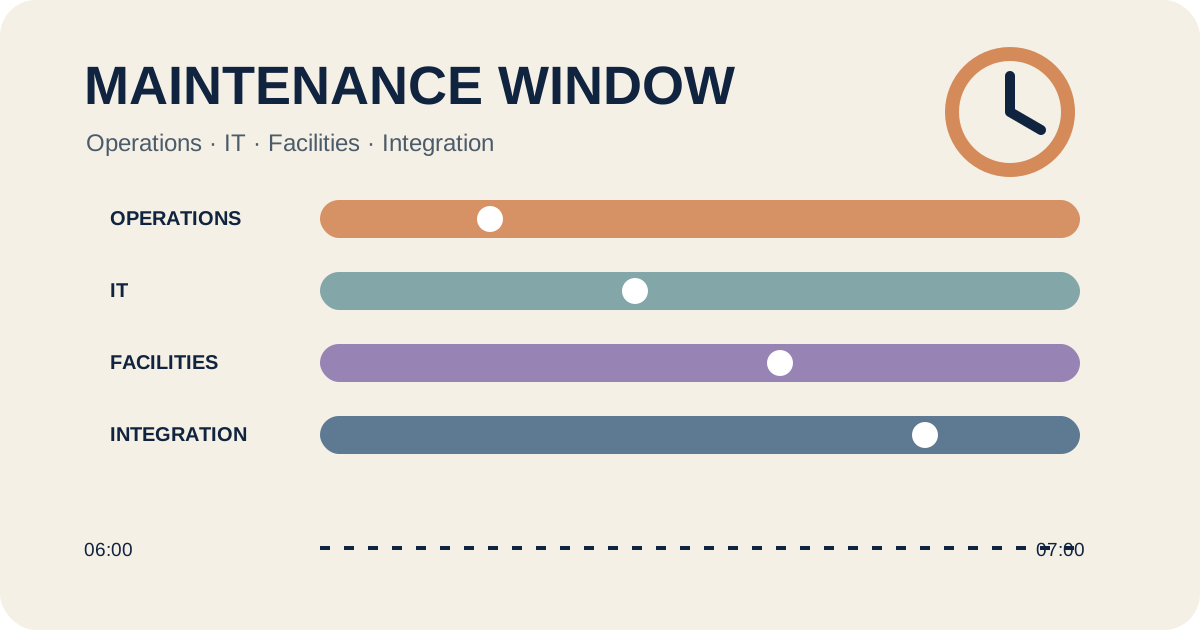
A display update usually reaches beyond the player. Trading hours, network access, physical access, and responsibility for the visible message converge in a short period. A maintenance-window card records those dependencies before the first change begins.
This workflow is for planned work on networked displays. The approved manufacturer procedure and the organisation's security and change controls still govern the technical steps.
Start with the operating day
Record when the display performs a business function, what approved fallback is available during an interruption, and when normal content must be visible again. A window from 05:30 to 07:00 is usable only when access, contacts, and the return-to-service time are also settled.
Group targets by what may be unavailable together. A reception display, a digital menu, and an internal wayfinding screen can need separate approvals even if the hardware is similar. The effect on the site determines the window.
Freeze the change package before the appointment
BSI module OPS.1.1.3 says changes should be planned, approved, documented, tested in advance, and supported by fallback solutions. A display project can turn that into a compact package: the baseline, target version, affected devices, dependencies, approval, and restore point.
| Field | Record | Decision |
|---|---|---|
| Business timing | Interruption and latest recovery | When is the message needed again? |
| Baseline | Device, player, CMS, configuration, and content | Which state will be preserved? |
| Change | Version, scope, and sequence | What may be changed in this window? |
| Roles | Approval, execution, access, and check | Who decides at each handoff? |
| Stop point | Time or fault threshold | When does the attempt end? |
| Evidence | Visible result and record reference | How will operations recognise recovery? |
Assign roles at four handoffs
Place ownership where a decision changes hands. Operations approves the timing and fallback message. IT approves the planned network or remote access. Facilities provides agreed physical access and any safe isolation procedure. The integration team performs only the approved change.
A named site representative then checks the result that people can see. The person making the software change does not have to perform this check. Separate records show who confirmed the technical work and who released the display back into service.
Set the stop point and restore path
Write down the latest time for a rollback decision. Add observable triggers, such as a player that has not reconnected, incomplete media downloads, or the wrong content on a target. A general instruction to roll back if there are problems leaves both the timing and authority unresolved.
The restore path identifies the preserved version, storage location, authorised operator, and post-restore check. If a full restore is unavailable, the team needs an approved temporary mode, such as a local static message. The offered system determines what is technically possible.
Check recovery at the visible result
AVIXA's performance-verification page describes a framework for selecting what to verify, when to verify it, which criteria to use, and how to report the result. For a maintenance window, agree a small set of relevant checks before the appointment and repeat that set after the change. This is a voluntary verification framework, not a German legal requirement.
CMS status is one piece of evidence. Xibo documentation, for example, describes the player's regular CMS contact and the display grid's last-access information. The site record adds a visible check for the expected source, content, time, and control action. Other platforms have their own status fields.
Worked example: three storefront displays before opening
In this fictional example, a player update covers three storefront displays before the shop opens. Operations reserves 05:30 to 07:00 and requires the approved morning message by 06:45. IT confirms the management route. Facilities opens the equipment area at 05:20.
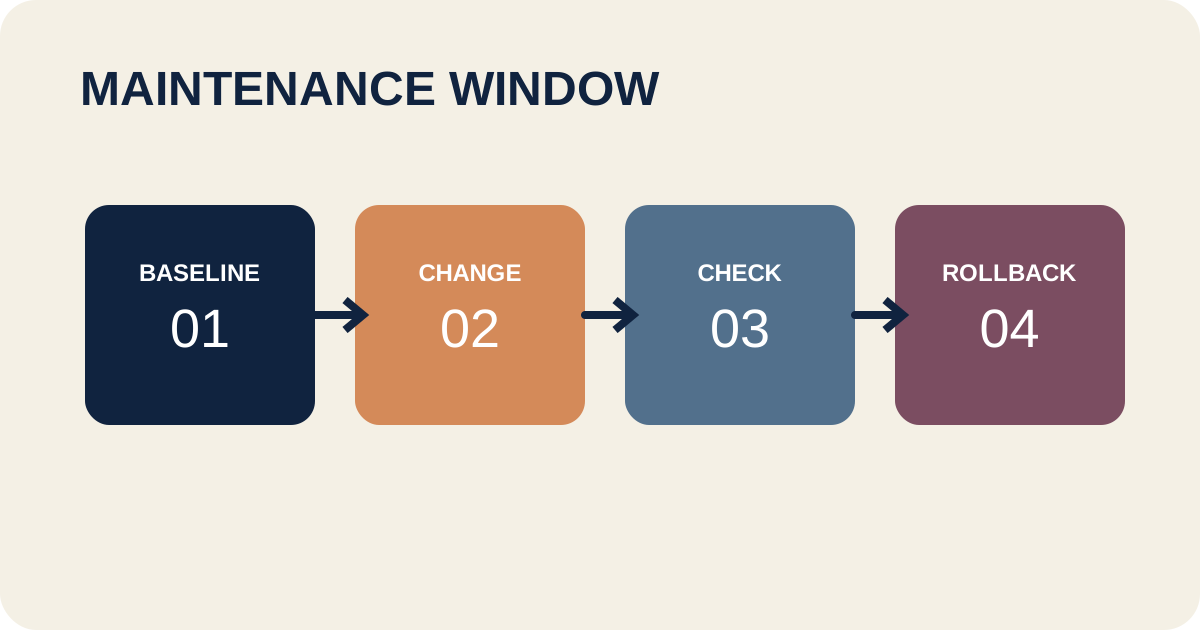
The rollback decision is due at 06:25. If one target is still offline or the morning message is missing, the integration team restores the preserved player version. At 06:45, the site manager views all three displays from the public area, records the message and time, and releases them to service. The card closes with three evidence references and any remaining action.
Sources and scope
- BSI, OPS.1.1.3 Patch and Change Management, 2023 edition: planning, approval, documentation, testing, ownership, and fallback requirements. This article applies those points to a display maintenance window.
- AVIXA, AV Systems Performance Verification, first published in 2013 and reaffirmed in 2024: a framework for verification elements, timing, criteria, and reporting. The paid standard text is not reproduced.
- Xibo, What is a Display?: a product-specific example of CMS contact, status, and schedule updates. It does not describe other platforms.